
Description
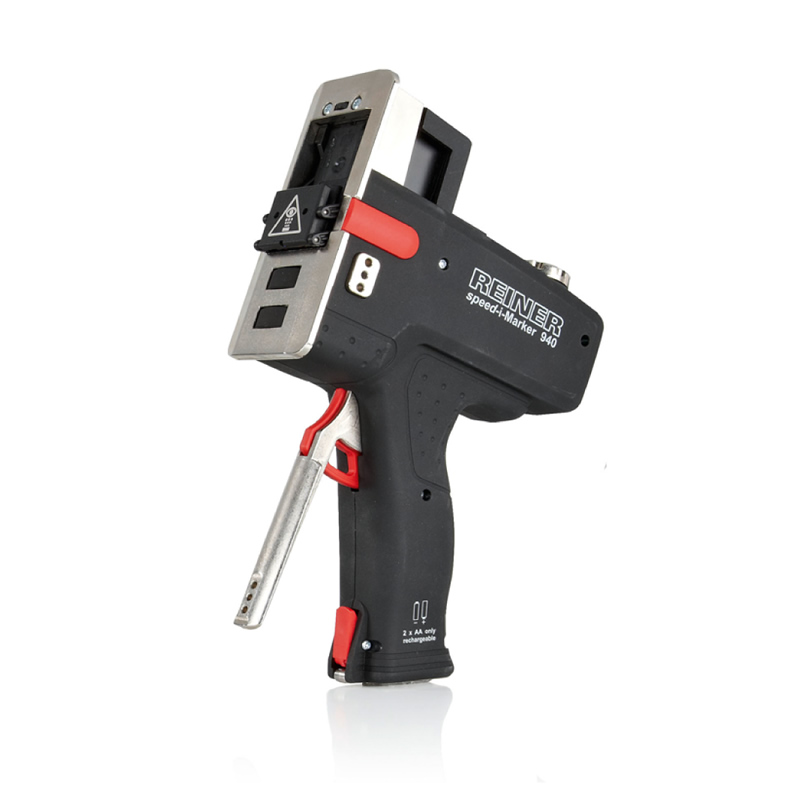
- 1- Design: Using PC Set Graphic software, create or load up to 4 print images. Each may contain text in any font and point size, high definition graphics, barcodes and 2D codes. Variable data such as date, time, expiry date and counters can also be included. Transfer print images to Reiner 940 via USB or Bluetooth.
- 2- Select: Using the dial on the side of the printer, select the required print image for printing. Alternatively, the system can be set to automatically cycle through up to 4 stored print images automatically. This allows the operator to print several print images on the same product without touching the controls.
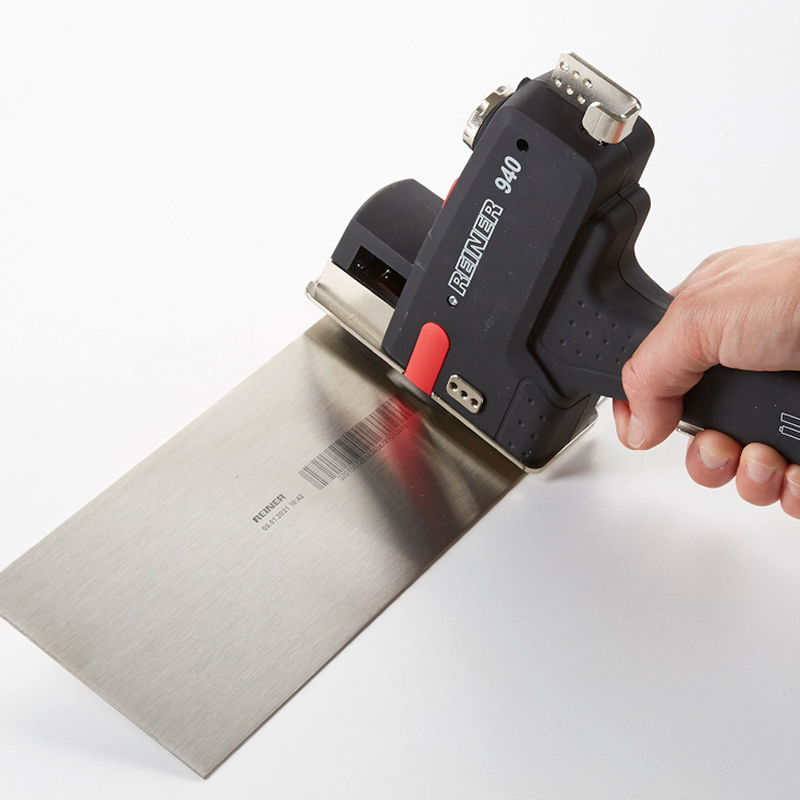
- 3- Print: Roll the REINER 940 across the product surface and pull the trigger to start printing. The encoder in the printer matches printing speed to the speed of operation so the print is always the same size regardless of operating speed. Martek also offers custom-made jigs for awkward-shaped products to ensure accuracte printing.
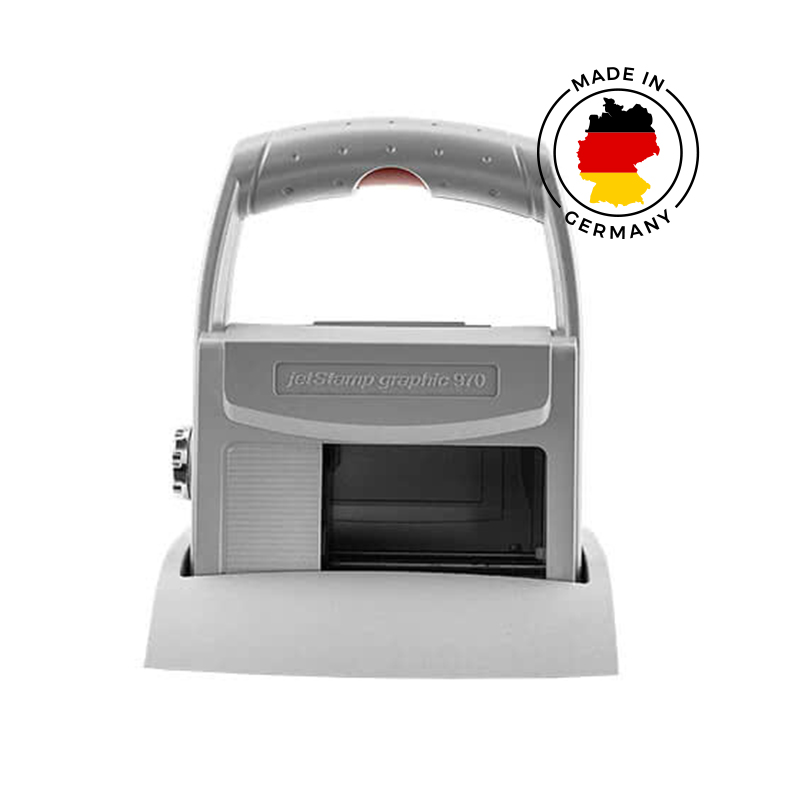
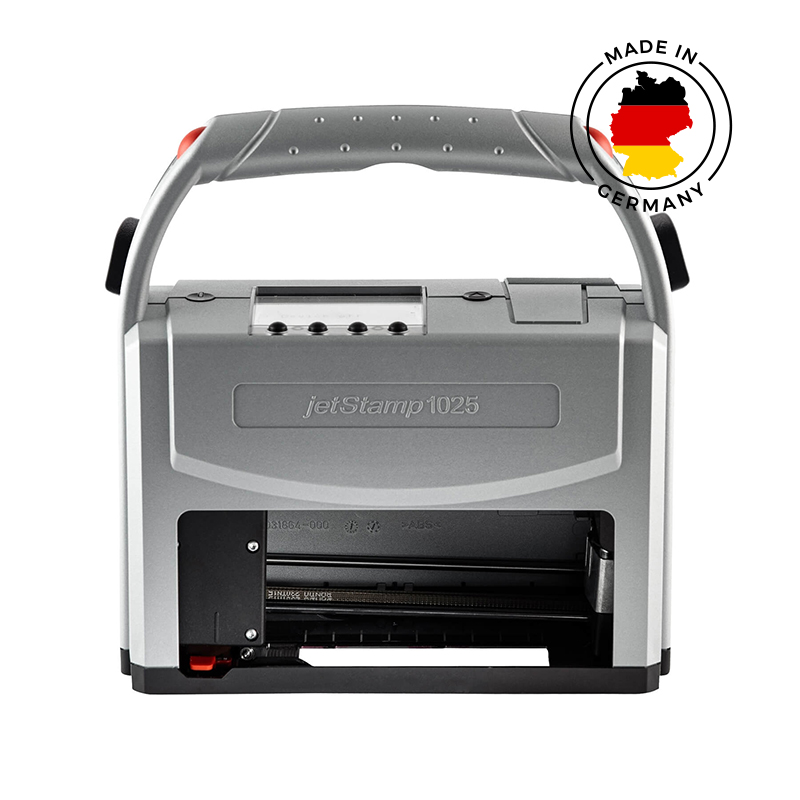

Reviews
There are no reviews yet.